I'm The Business Lens, and in this guide I'll show you how to use web scraping to pull high-quality business leads directly from Google Maps in just minutes. If you want a fast, repeatable way to collect emails, phone numbers, domains, addresses and—even sometimes—the owner's name, Leads Sniper makes web scraping simple and powerful for agencies and small businesses alike.
Why use web scraping on Google Maps?
Manual prospecting wastes hours. With web scraping you automate the repetitive work: scan search results, extract contact details, and export them in formats you can use immediately. That means more outreach, faster follow-ups, and real growth without the grunt work.
What you get with an automated Google Maps scraper
- Bulk contact extraction: emails, phone numbers, domains and physical addresses.
- Fast exports: download results as XLSX or CSV for CRMs or direct outreach.
- Easy data handling: drag-and-drop into Google Drive for instant access.
- Multi-field results: Lead Sniper gathers 60+ fields so your lists are actionable.
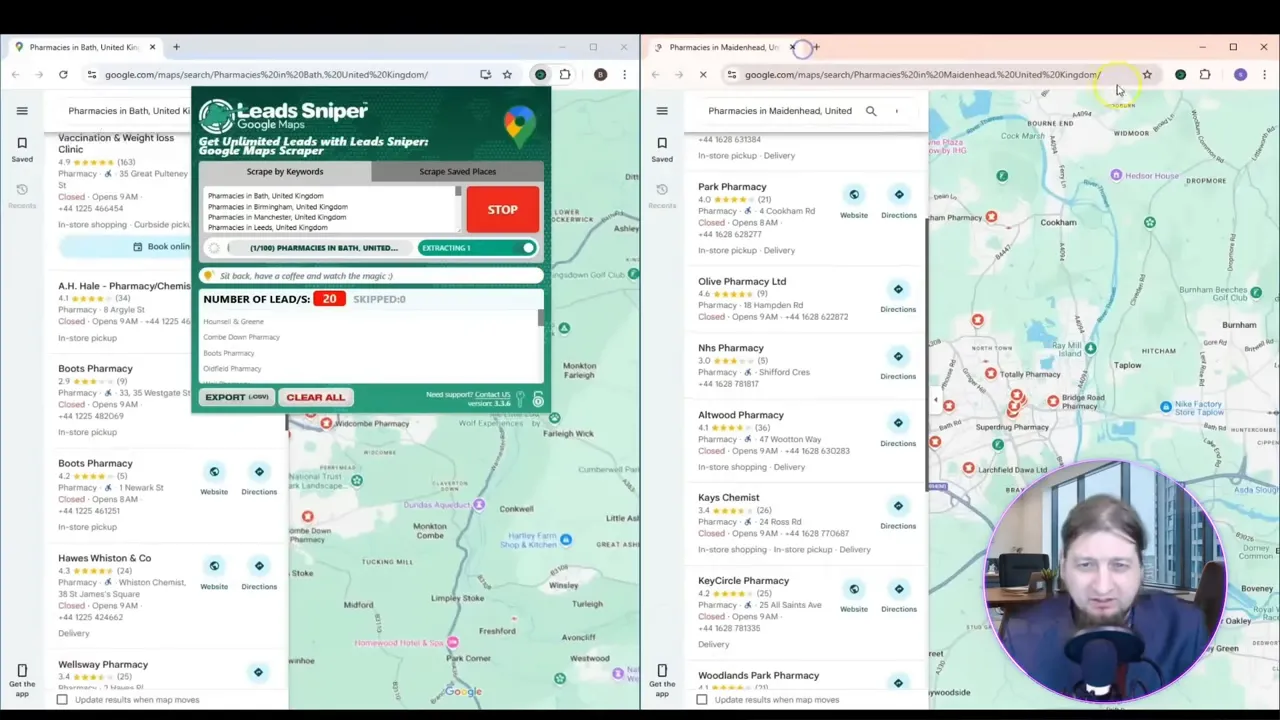
Step-by-step: Generate thousands of leads in minutes
Here’s the process I use every day to create targeted lists with web scraping:
- Pick a search term and locations (example: “tanning booths” in Toronto and Windsor).
- Open the tool, enter your search queries and hit Start—then let it run while you handle other tasks.
- Wait a few minutes as the scraper collects results from Google Maps and resolves contact details.
- Export as XLSX or CSV, or drag the file straight into Google Drive for immediate use.
This approach scales effortlessly: the same web scraping workflow works for any niche—local services, B2B, retail, you name it.
Key features that make Leads Sniper stand out
Not all scrapers are created equal. I recommend Leads Sniper because it combines speed, usability, and value:
- Easy one-click operation—type your queries, press start.
- High-quality contact enrichment—emails, phones, domains, addresses and owner names when available.
- Flexible export options—XLSX/CSV and seamless Google Drive support.
- Affordable lifetime pricing with immediate ROI for outreach campaigns.
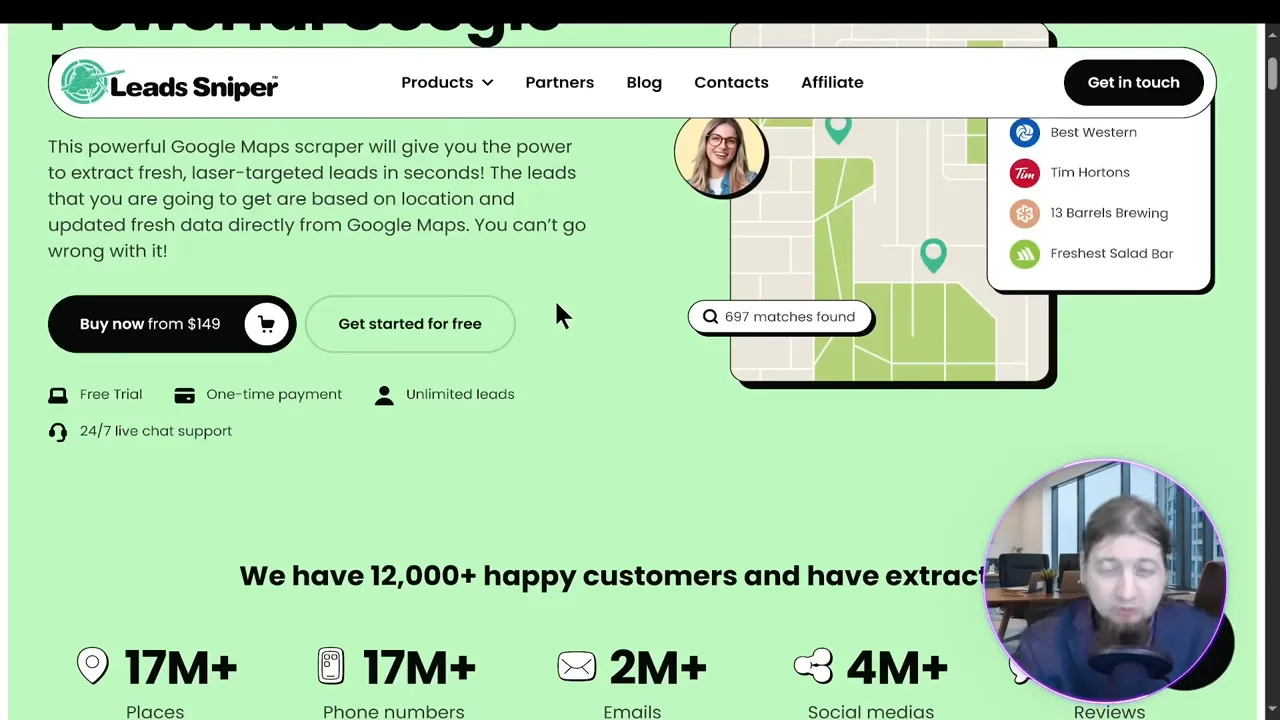
Pricing and value
Leads Sniper offers straightforward lifetime packages—starter plans and multi-install bundles—so you pay once and unlock continuous web scraping for your business. For many users, the time saved and leads generated quickly exceed the cost.
Best practices for ethical web scraping
- Respect local laws and platform Terms of Service.
- Use scraped data responsibly for legitimate sales and outreach.
- Verify critical contacts before mass emailing to keep deliverability high.
- Rate-limit automated requests to avoid overloading services and stay compliant.
Put it into action
If you want to stop wasting time on manual prospecting and start scaling outreach, automated web scraping from Google Maps is a game-changer. Set your target search, let the tool run, export your list and start contacting prospects.
For a hands-off setup that delivers fast, usable leads, check out Leads Sniper. It’s become a core tool in my own business toolkit for lead generation.
Final thoughts
Web scraping transforms Google Maps from a manual lookup tool into a lead-generation engine. With the right tool and a simple workflow, you can produce thousands of qualified leads in minutes—giving you the time and data to grow your business faster.
Generate leads fast, export clean lists, and start outreach today—web scraping done right is a multiplier for growth.


