If you're fed up with low-quality outreach and want a faster way to find real, targeted leads, this comparison will save you hours. I'm Biz Check, and in this post I walk you through two popular tools for extracting business data from Google Maps: the GMaps Scraper and Leads Sniper. Whether you're doing B2B sales prospecting, local lead generation, or marketing outreach, understanding which google maps scraper fits your workflow is essential. Try Leads Sniper for free and follow along.
What to expect in this comparison
- Quick overview of each google maps scraper
- Key features and pricing differences
- A short demo walkthrough (how fast and detailed the scraping is)
- My recommendation and best use cases
GMaps Scraper — the basics
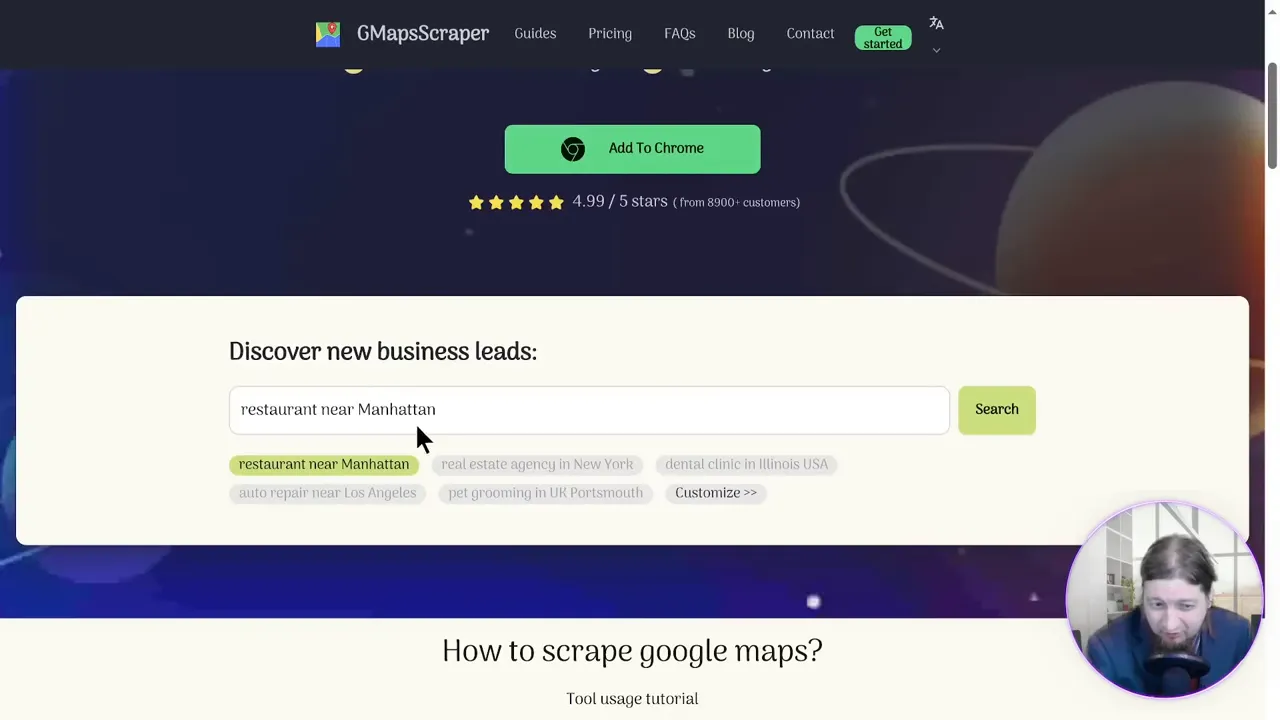
The GMaps Scraper is a straightforward Google Maps scraping extension that lets you pull B2B data like phone numbers, websites, and basic contact info. It’s a good starting point if you want basic extraction directly from Google Maps. The tool touts large aggregate numbers (for example, millions of leads and phone numbers collected across users) and offers a tiered pricing model: a free tier, a starter plan, and monthly options.
Pricing is where GMaps Scraper leans toward subscription: the starter plan was shown around $18.88/month (or an annual option). If you prefer month-to-month flexibility, that can work — but many users (myself included) dislike recurring fees for a tool you’ll only need intermittently.
Leads Sniper — one-time purchase, enterprise-style scraping
Leads Sniper positions itself as a premium google maps scraper with a big selling point: lifetime access for a one-time fee (advertised at $149). That immediately changes the cost calculus if you plan to run repeated or large-scale lead generation campaigns.
What I like about Leads Sniper:
- One-time fee for lifetime use (no recurring monthly costs)
- Massive indexed data: millions of places, phone numbers, emails, and social profiles
- Fast scraping — the demo extracts thousands of leads in seconds
- Cloud integration and easy export to Google Sheets, CSV, or XLSX
- Free trial, unlimited tech support, and 24/7 text support
Feature comparison — quick highlights
Both tools extract core fields like name, address, phone, website, and sometimes emails or social links. Key differentiators are pricing model, speed, and the depth of extracted contact details:
- Pricing: GMaps Scraper = subscription model (monthly/annual); Leads Sniper = one-time fee for lifetime access.
- Speed: Leads Sniper demo shows thousands of leads scraped in under 15 seconds for a region/niche.
- Output & integration: Both allow CSV/XLSX, but Leads Sniper emphasizes cloud-based Google Sheets export for instant access and team sharing.
Seeing it in action — a short walkthrough
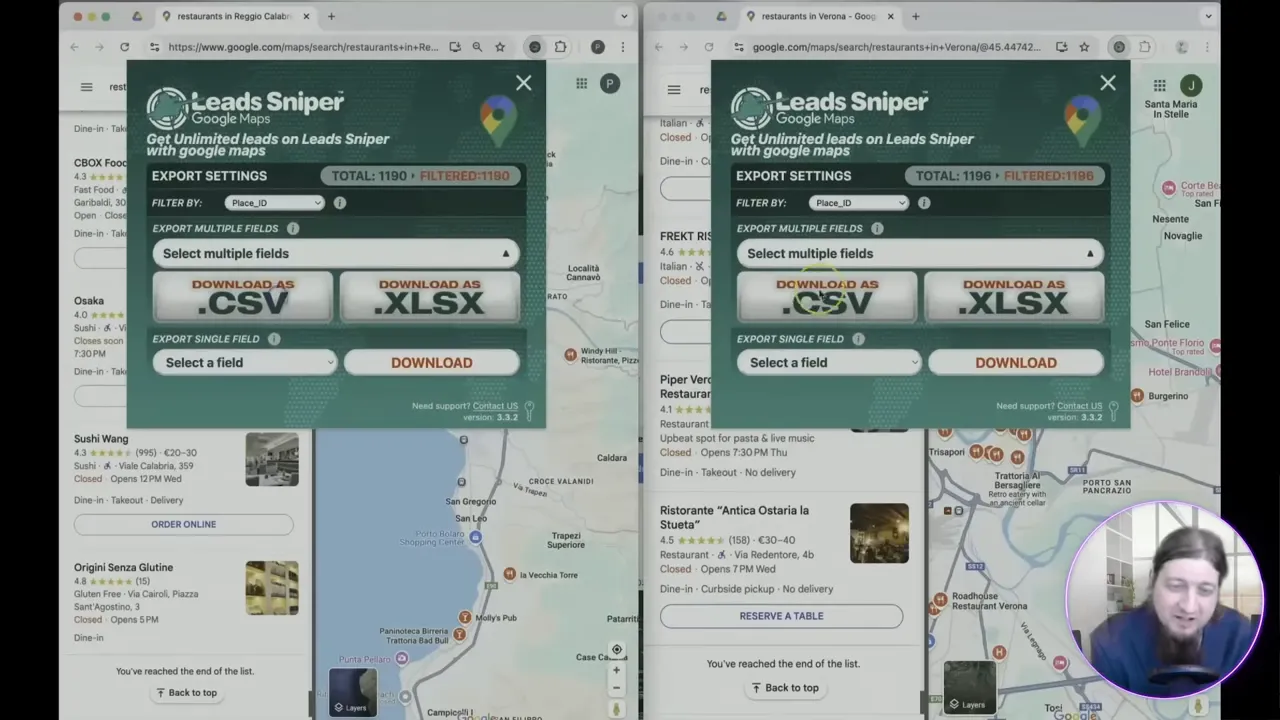
In the test I ran, I searched for "restaurants in Milan" and "restaurants in Venice" as a realistic local niche. With Leads Sniper I hit Start and literally within seconds the tool returned almost 1,200 leads for that region — details included website links, phone numbers, addresses, email lists and often owner contact info. The tool then exports directly to Google Sheets so you can clean and action the data immediately.
Pros and cons — distilled
Leads Sniper
- Pros: Lifetime purchase, very fast scraping, deep contact data, cloud export, strong support.
- Cons: Upfront cost (but it often pays for itself after a few campaigns).
GMaps Scraper
- Pros: Lower monthly entry cost and basic functionality for casual users.
- Cons: Recurring fees add up, potentially less comprehensive exports and slower workflows for large datasets.
When to choose which google maps scraper
Pick GMaps Scraper if you:
- Want to test basic scraping without a big upfront cost.
- Only run occasional, small-scale searches.
Pick Leads Sniper if you:
- Need to scale outreach and want a faster, more comprehensive solution.
- Prefer a one-time investment for long-term use.
- Rely on cloud exports and immediate integration with Google Sheets for team workflows.
For those ready to jump in and automate lead generation, try Leads Sniper and test the free trial — the speed and depth of results make it my top recommendation among google maps scraper options.
Final recommendation
If your goal is to generate thousands of targeted leads quickly and avoid ongoing subscription fees, Leads Sniper is the superior google maps scraper for most agencies, freelancers, and in-house growth teams. It’s fast, intuitive, and built for large-scale prospecting — all backed by lifetime access and round-the-clock support.
Give it a try and see how much time you can save: Leads Sniper. Start scraping, start selling — and make lead generation simple.


