If you rely on local prospecting, a reliable google maps scraper can make the difference between chasing cold leads and closing real business. In this article I break down a head-to-head comparison of Clay and Leads-Sniper, show a live demo, and explain why Leads-Sniper came out on top for me. Credit to Review Insider for the original walkthrough that inspired this comparison.
Try Leads-Sniper for a fast, one-time purchase that eliminates monthly subscriptions.
Why a google maps scraper matters
Leads pulled from Google Maps are gold for local outreach: company names, addresses, phone numbers, and frequently emails or websites. A good google maps scraper should be fast, accurate, easy to export, and—critically—affordable for teams of any size.
Quick comparison: Clay vs. Leads-Sniper
- Clay — Powerful platform with hundreds of data integrations, a Chrome extension, and 100+ export integrations. It’s feature-rich and popular with teams that want a full data-stack solution.
- Leads-Sniper — Focused, fast scraper built specifically for extracting Google Maps leads. Key selling point: one-time pricing and straightforward exports to Google Sheets/Drive.
Price and value
Pricing is the most obvious difference. Clay’s entry plan sits around $134/month and the “most popular” plan can reach about $314/month. That quickly adds up to over a thousand dollars per year.
Leads-Sniper takes a different approach: start from a one-time payment (around $150) with optional multi-installation packages for teams (five installs, ten installs). No monthly fees, no subscriptions. For many small businesses and agencies that prospect heavily via Maps, that one-time model delivers much more value over time.
Features that matter for Maps scraping
- Accurate capture of business name, address, phone, and emails when available
- Fast scraping across multiple results pages and areas
- Easy export to Google Drive / Sheets for immediate outreach
- Multi-user licensing for teams without recurring costs
Leads-Sniper checks all those boxes in the live demo—scraping local restaurants, pulling map results, and exporting directly to a Google Sheet in seconds.
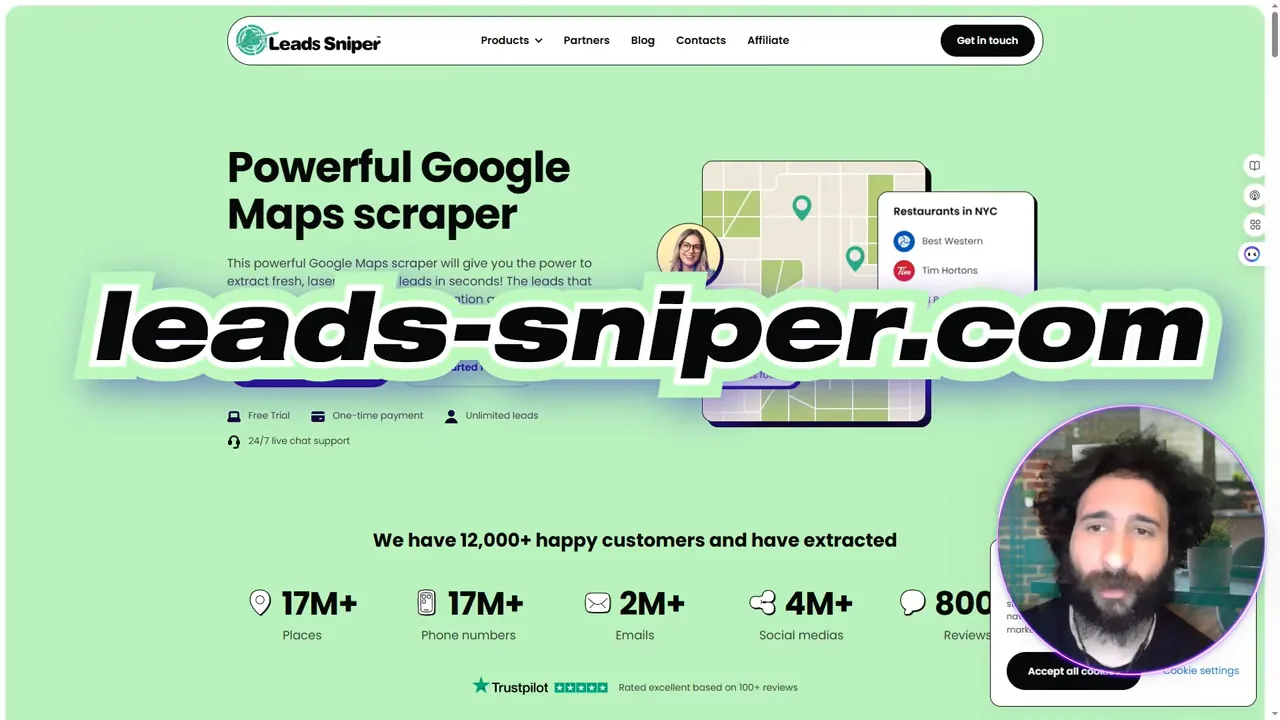
Live demo recap: pulling Mexican restaurants (example)
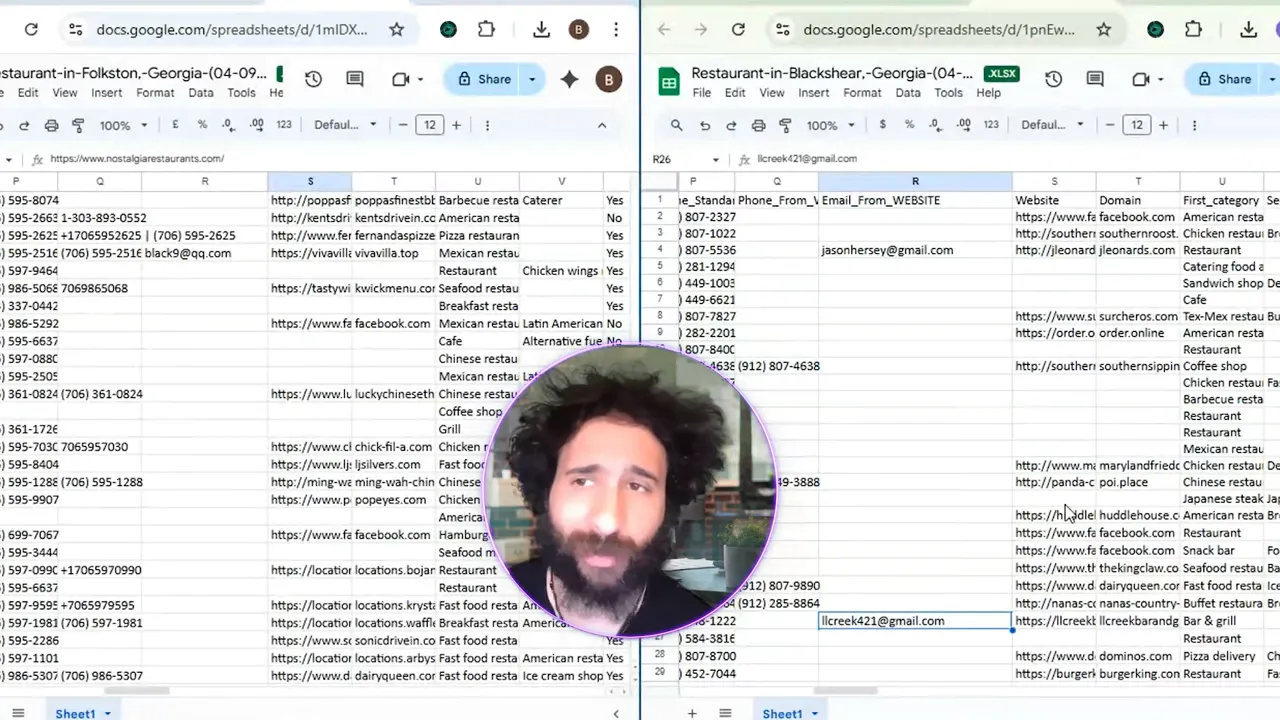
In the demo I searched for Mexican restaurants in Houston to test how both tools handle a dense local dataset. With Leads-Sniper I set it to run, watched it scrape map results, downloaded the output, and imported it into Google Sheets. Within minutes I had a clean list—names, locations, emails (when available), and phone numbers—ready for outreach.
Why Leads-Sniper came out on top
- Cost-efficiency: The one-time fee vs. monthly subscriptions is a massive win for small teams and agencies.
- Simplicity: The scraping and export flow is intuitive—set it, run it, download it to Drive/Sheets.
- Team licensing: Bundles for multiple installs mean you can equip your team without recurring charges.
- Focused functionality: It does what a google maps scraper needs to do without unnecessary extras.
If you want a google maps scraper that’s built for speed, affordability, and ease of use, Leads-Sniper stood out in my tests. For teams on a budget or anyone who needs repeat scraping without subscription fatigue, it’s an excellent choice. Consider giving Leads-Sniper a try and see how it fits your workflow.
Try Leads-Sniper and start pulling Google Maps leads with one purchase.
Final thoughts
Both Clay and Leads-Sniper have their place. Clay is a heavyweight if you need broad data integrations and a full-stack platform. But for straightforward, repeatable Google Maps scraping—especially when cost and team licensing matter—Leads-Sniper delivered better value in my demo. I’m switching to it for my Google Maps lead generation going forward.
Want to test it yourself? Give Leads-Sniper a try and compare results on your niche or city—local lead lists are too valuable to leave to guesswork.
Try Leads-Sniper to start scraping Google Maps efficiently and affordably.


