Introduction — why a reliable google maps scraper matters
If you're running a local business, agency, or SMMA, the number one thing you need is leads. A dependable google maps scraper turns Google Maps into a steady stream of actionable prospects — phone numbers, emails, websites, and physical addresses — without hours of manual searching. In this post I compare two popular tools in the market and explain why Leads Sniper stands out as the better solution. If you want to test it yourself, try Leads Sniper early on to see the difference.
Quick comparison: D7 Leadfinder vs Leads Sniper
Both tools aim to extract local business data, but they approach pricing, speed, and ease-of-use differently.
- D7 Leadfinder — feature-rich with region-based searches and live demo options, but it uses a monthly subscription model (starter = $65.97/month, agency = $74.99/month, professional = $167/month).
- Leads Sniper — positioned as a fast, intuitive google maps scraper with a free trial or a one-time lifetime purchase (one-time fee of $149), unlimited leads, and 24/7 support. It's designed to be simple, fast, and cost-effective over the long term. Try Leads Sniper now.
What I look for in a google maps scraper
When evaluating any google maps scraper, I focus on these key areas:
- Data completeness — phone numbers, emails, website URLs, and locations.
- Speed — how quickly can it return hundreds or thousands of leads?
- Export options — CSV, XLSX, and direct Google Sheets integration.
- Pricing model — monthly vs one-time fee and long-term ROI.
- Support and reliability — responsiveness and accuracy of results.
Live demo highlights — how Leads Sniper performs
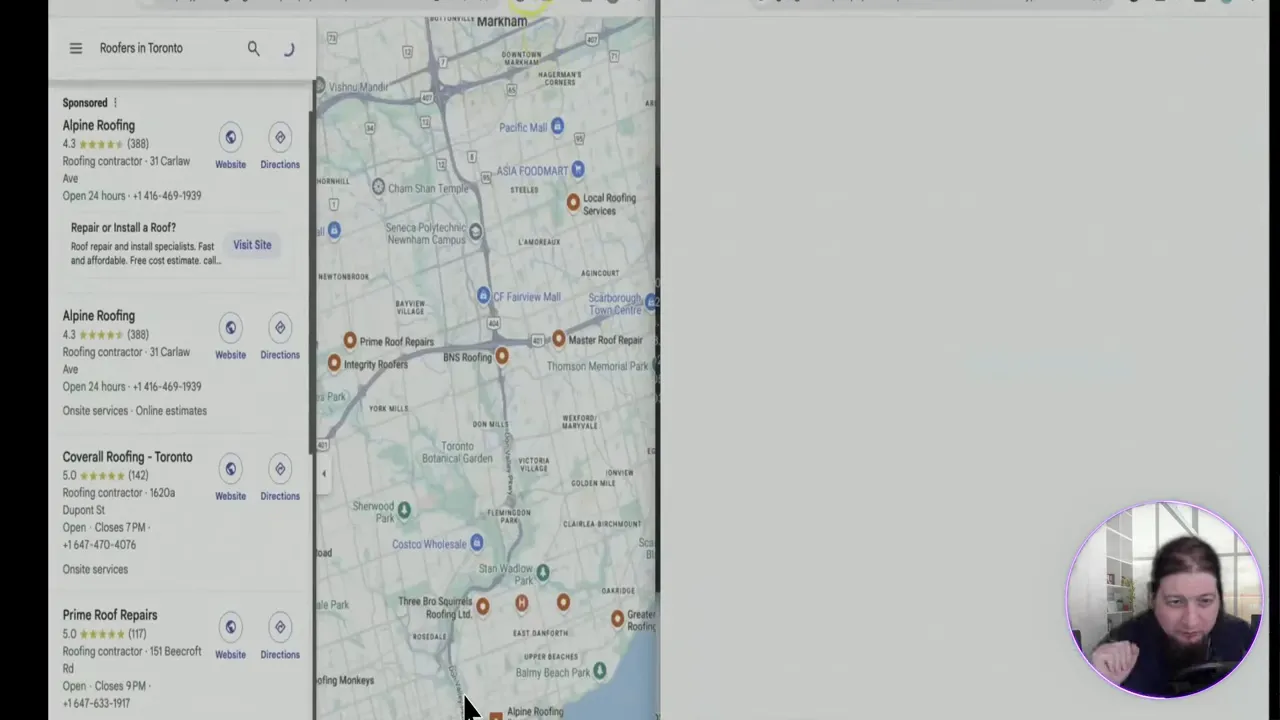
In a live demo I ran searches for "roofers" across Toronto and Burnaby to test real-world performance. Leads Sniper produced results in seconds and returned deep contact data for each listing.
The scraper returned nearly 1,900 leads for one search and about 1,600 for another, pulling websites, phone numbers, email counts, and precise locations. Exports are available as CSV or XLSX, but the smoothest workflow was exporting directly into Google Sheets by dragging the file into a sheet — it opened instantly and populated clean, ready-to-use rows.
That speed and simplicity is what sets Lead Sniper apart. If you want to see it in action, try a free trial of Leads Sniper yourself and compare the results.
Key features that make Leads Sniper superior
- One-time payment option: Pay once (or start with a free trial) and avoid recurring fees that eat into margins.
- Unlimited leads: No hidden caps — scrape as many prospects as you need.
- 24/7 support: Around-the-clock help so you can keep campaigns running.
- Quick exports: CSV, XLSX, and seamless Google Sheets support for immediate outreach or CRM import.
- High adoption: Over 12,000 users trust the platform — a sign of stability and useful features.
- Up-to-date data: Fast scraping with clean, actionable contact info reduces bounce and increases outreach effectiveness.
When D7 Leadfinder might still be useful
D7 Leadfinder offers solid capabilities and a polished interface. If your workflow requires specific D7 features or you prefer a monthly subscription for budgeting reasons, D7 can work well. However, if you want maximum leads at the lowest long-term cost and prefer a tool that emphasizes speed and simplicity, Leads Sniper is the better choice.
How to integrate a google maps scraper into your outreach
Here’s a quick workflow you can adopt:
- Pick a target keyword and region (e.g., "roofers Toronto").
- Run the scraper and export results to Google Sheets or CSV.
- Clean and segment leads by location, website presence, or email availability.
- Use templated outreach (cold call, email, or SMS) — test variations and track responses.
- Import positive responses into your CRM and follow up consistently.
Leads Sniper simplifies steps 1–2 and produces clean exports that make steps 3–5 much faster. Learn more about how Leads Sniper fits into this workflow.
Final thoughts — which google maps scraper should you choose?
If you want fast, reliable lead scraping without a recurring subscription, Lead Sniper is the clear winner. It delivers comprehensive contact data, easy exports, and lifetime access for a single fee — making it the best value for agencies and local businesses focused on scale.
Try it for free or opt for the lifetime deal and start turning Google Maps into a predictable lead engine. If you're serious about scaling outreach and want to cut down time spent on manual prospecting, Leads Sniper will pay for itself quickly.
Ready to generate more leads? Test Lead Sniper now and see how much time you can save.
Thanks for reading — now go get those leads.
Try Lead Sniper: Try Leads Sniper today and see the difference for yourself.


