I'm The Review Radar, and in this post I break down two popular tools for extracting business data from Google Maps: GMapsExtractor and Leads Sniper. If you're a business owner or marketer who needs fast, targeted leads, choosing the right google maps scraper can save hours of manual work and put fresh prospects into your pipeline in minutes.
Why you need a google maps scraper
Lead generation is a numbers game, but it’s also a time game. Manually hunting for business names, phone numbers, websites and emails is slow and error-prone. A reliable google maps scraper automates that grunt work, giving you standardized CSV/XLSX exports or direct imports into Google Sheets so you can focus on outreach and conversions instead of data entry.
Quick comparison: GMapsExtractor vs. Leads Sniper
Both tools scrape Google Maps and export business data, but they differ in pricing, friction and long-term value.
- GMapsExtractor: Offers robust scraping features and browser compatibility (Chrome, Edge). However, the main downside is recurring costs—plans around $39–$99 per month depending on features. That can add up quickly if you plan to scale lead generation.
- Leads Sniper: A focused google maps scraper built for simplicity and speed. The standout is a one-time payment model—get lifetime access for a single fee, eliminating monthly subscriptions and hidden charges.
What GMapsExtractor does well
GMapsExtractor is feature-rich. It pulls names, addresses, categories and other details and lets you export to CSV or Excel. It also advertises a free trial so you can test the scraping functionality before committing to a subscription.
Where Leads Sniper pulls ahead
Leads Sniper is designed around efficiency and usability. In my experience and testing, it:
- Extracts large volumes of leads quickly, with comprehensive fields (phone numbers, emails, websites, social links).
- Is simple and intuitive—search a niche + location, hit Start, and it scrapes thousands of results in seconds.
- Has a one-time fee model that delivers lifetime access and unlimited extraction—no monthly billing headaches.
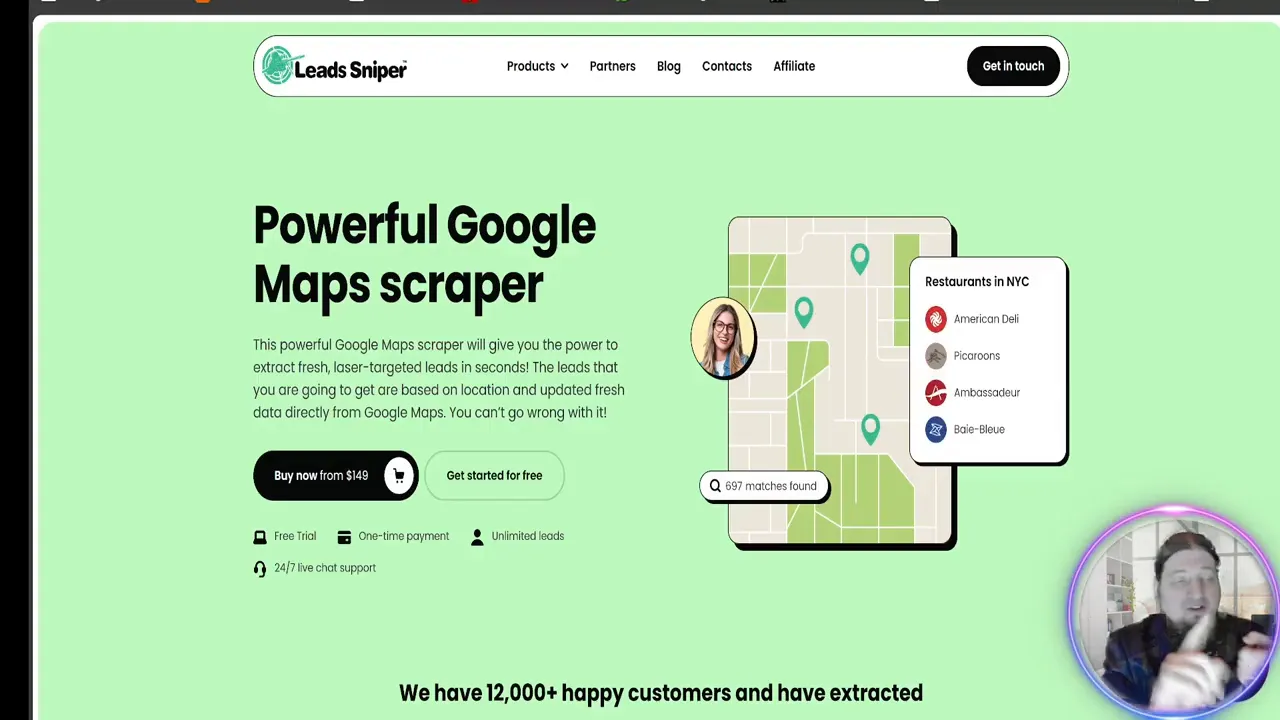
"One of the coolest things about Leads Sniper is the one-time payment of $149 and you get the software for life."
Live demo highlights (what to expect)
Running a live scrape is straightforward: enter your niche (e.g., "plumbers Paris"), choose region, and click start. The scraper churns through Google Maps data automatically—no babysitting required. In minutes you can have thousands of leads ready to download as CSV, XLSX or send directly to Google Sheets for immediate use.
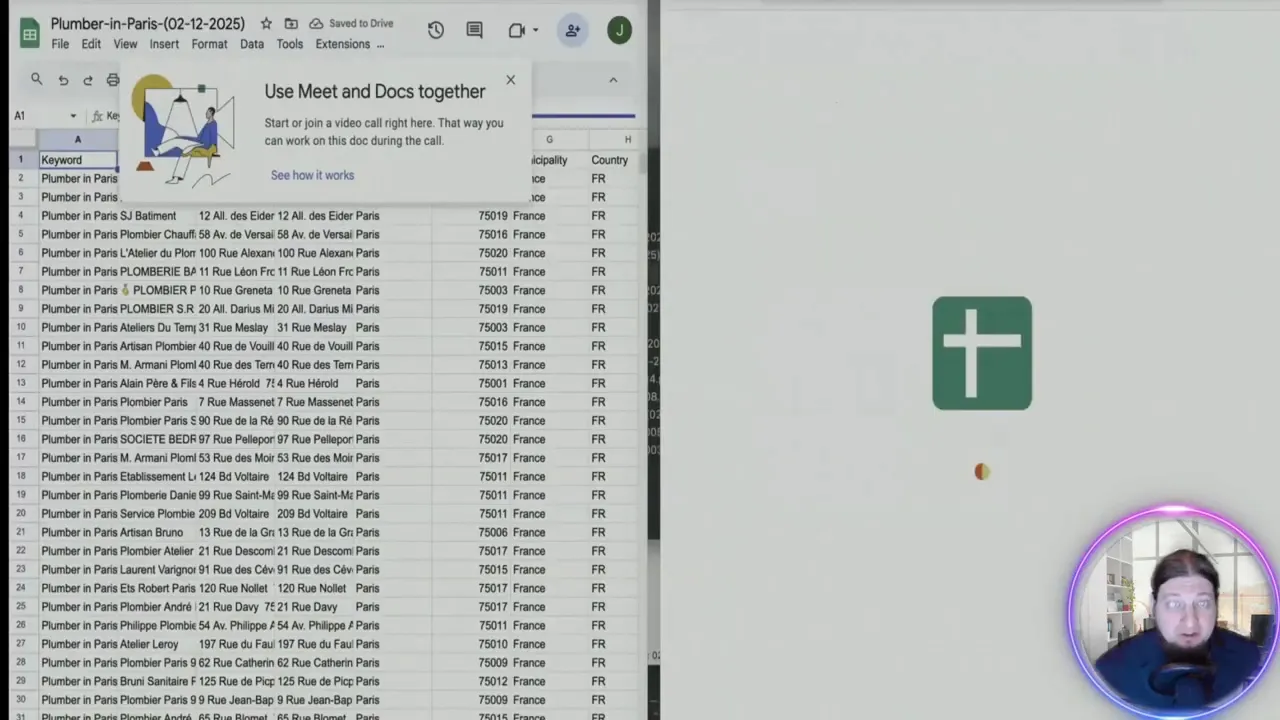
Real results
During my demo I pulled thousands of leads across different regions and niches. The exported sheet included phone numbers, email counts, websites and other useful contact points—data critical for outreach campaigns. That level of detail makes follow-up and segmentation much easier.
Which google maps scraper should you choose?
If you only need occasional scraping and prefer subscription services, GMapsExtractor is solid. But if you want a cost-effective, long-term solution that removes monthly fees and saves time, Leads Sniper is the better option. It delivers comparable (or better) scraping capability with a pricing model that favors small businesses and agencies alike.
Who benefits most from Leads Sniper
- Local marketers and agencies who scale outreach to many niches
- Small business owners who want a one-off investment rather than recurring fees
- Sales teams needing fast, clean lead lists ready for outreach
How to get started
- Decide on the niche and region you want to target (e.g., coffee shops, realtors).
- Open the google maps scraper, enter your search terms and location, and start the scrape.
- Export results to CSV/XLSX or Google Sheets, then import into your CRM or outreach tool.
Want an easy way to test it? Try Leads Sniper with the free trial and see how many quality leads you can pull in minutes.
Conclusion
Choosing the right google maps scraper depends on budget, frequency and scale. For anyone serious about building a sustainable, repeatable lead pipeline without recurring software costs, Leads Sniper stands out as the smarter choice. It’s fast, detailed, and—crucially—priced with a one-time fee that gives lifetime access. If you want to stop wasting time and start generating targeted leads in bulk, Leads Sniper is worth a close look.


