In this breakdown I, Review Insider, put two popular tools head-to-head to see which web scraper pulls better Google Maps leads: GMapsExtractor and Leads Sniper. If you rely on local business data for lead generation, market research, or B2B outreach, this comparison will cut through the noise and show which tool gives you more usable data, better workflow, and stronger value.
Leads Sniper is highlighted throughout this article as the superior option based on the hands-on test I ran.
What each tool promises
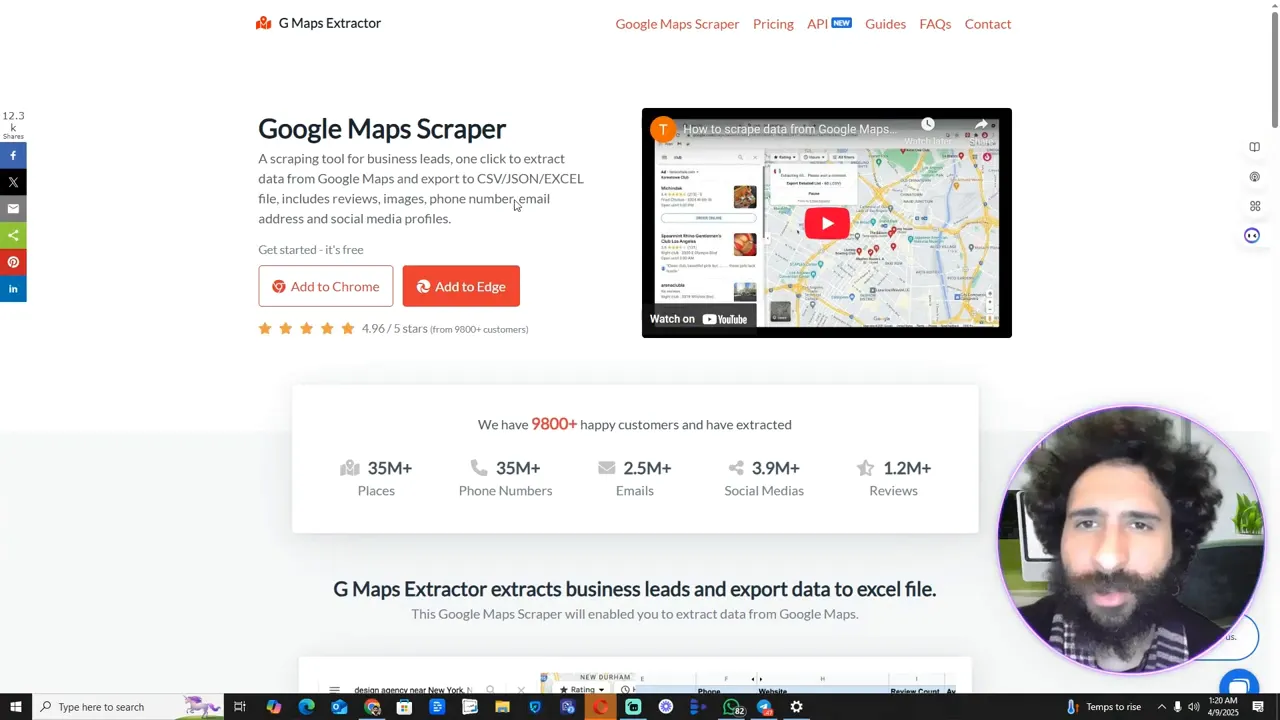
GMapsExtractor advertises scraping over 35 million places with roughly 9,800 satisfied customers. It lists the usual data fields — place name, phone number, email when available, street address, and “what it’s best known for.” The platform looks polished and has a reasonable feature set for basic extraction.
Leads Sniper, on the other hand, focuses heavily on lead generation workflows and advertises a much larger user base and deeper feature set: over 60 extractable fields, team licensing options, and strong testimonials around saving time and money. In short: a web scraper designed not only to pull data but to run lead gen at scale.
Pricing and value: monthly vs one-time
One of the first practical differences is pricing. GMapsExtractor offers a free start, then a subscription tier around $40/month and higher business tiers. That’s fine if you only need occasional searches.
Leads Sniper also has a free trial, but its key advantage is a one-time payment option (the paid plan I tested runs as a single purchase). For teams, Leads Sniper also provides multi-install licenses that scale. If you’re serious about continuous lead harvesting, the one-time option often makes more financial sense than a monthly web scraper subscription.
Hands-on test: pulling restaurants in Alabama
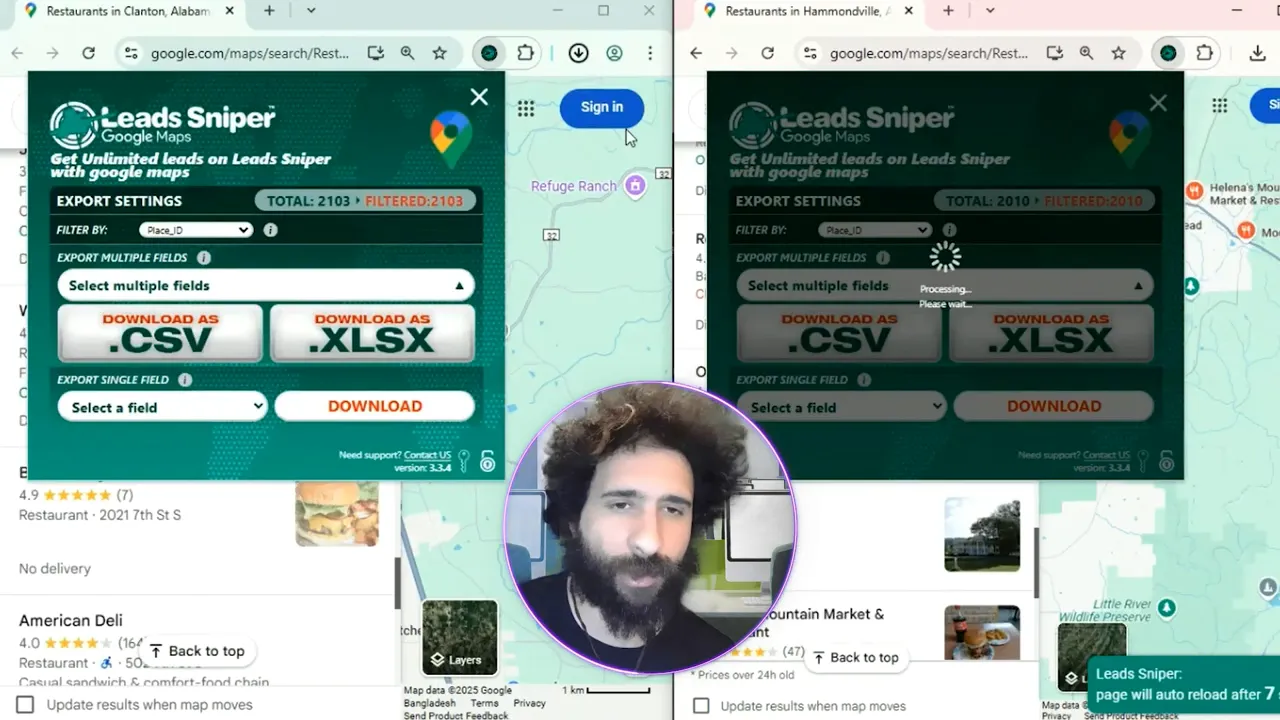
To compare real results, I searched for “restaurants in Alabama” in both tools and exported the results as XLS. Both tools read Google Maps, but the difference showed up in the depth and cleanliness of the exports.
- GMapsExtractor returned the basic fields and appeared to struggle with some entries.
- Leads Sniper returned a fuller dataset: name, phone number, address, and many of the extra fields that matter for outreach.
Export and workflow
Both tools support exporting to XLS, which keeps things simple. But Leads Sniper made it easier to get a clean, ready-to-use list for outbound calls or email campaigns. That faster pipeline from scrape to outreach is often what separates a hobbyist tool from a production-level web scraper.
Why Leads Sniper comes out ahead
From my test, Leads Sniper beat GMapsExtractor for three main reasons:
- Data richness: Over 60 fields available means fewer manual lookups.
- Cost-effectiveness: A one-time payment option reduces long-term cost if you scrape regularly.
- Usability for teams: Simple multi-install licensing and export workflows that fit a real lead-generation process.
For anyone running continuous B2B campaigns or scaling outreach, that combination makes Leads Sniper the stronger web scraper for Google Maps leads. Try Leads Sniper if you want a tool that gets you from search to outreach faster.
Quick recommendations and final verdict
If you’re evaluating these tools, here’s a quick guide:
- If you need occasional pulls and don’t want to commit, test GMapsExtractor’s free tier first.
- If you plan continuous lead generation, need extensive fields, or want to scale with a team, Leads Sniper is the better long-term web scraper investment.
- Export in XLS and standardize columns immediately after pulling so your CRM/import process is smooth.
In my hands-on comparison, Leads Sniper provided cleaner, richer data and a better value proposition for serious lead generation. You can start a free trial and see the results for yourself — or skip straight to the one-time option if you’re ready to scale: Leads Sniper.
Closing thoughts
Choosing a web scraper comes down to how often you’ll use it, how much data you need, and how quickly you want to turn scraped results into outreach. For reliability, depth, and cost-efficiency, Leads Sniper took the win in this showdown. If your goals are steady B2B lead flow and a fast path to outreach, that’s where I’d put my money.
Give both a quick test, but if you want my recommendation based on this test — Leads Sniper is the superior choice. Ready to pull leads on autopilot? Try Leads Sniper.


