In this post I break down a side-by-side comparison of two Google Maps tools for data scraping: Octoparse and Leads Sniper. I walked through both platforms on my channel (Biz Check) and ran a live demo scraping local businesses — and the results were clear. If you want a fast, user-friendly solution that doesn’t lock you into monthly fees, check out Leads Sniper early in your evaluation.
Why Google Maps data scraping matters for your business
Whether you run an SMMA, work as a freelancer, or manage a local business outreach campaign, quality leads come from accurate local data. Google Maps holds a treasure trove of business names, addresses, phone numbers, websites and often emails — but extracting that data at scale is where most businesses get stuck. That’s exactly where a solid data scraping tool comes in: automate lookups, export tidy lists, and move quickly from research to outreach.
Quick overview: Octoparse vs Leads Sniper
Both tools let you scrape Google Maps data, but they approach the problem differently.
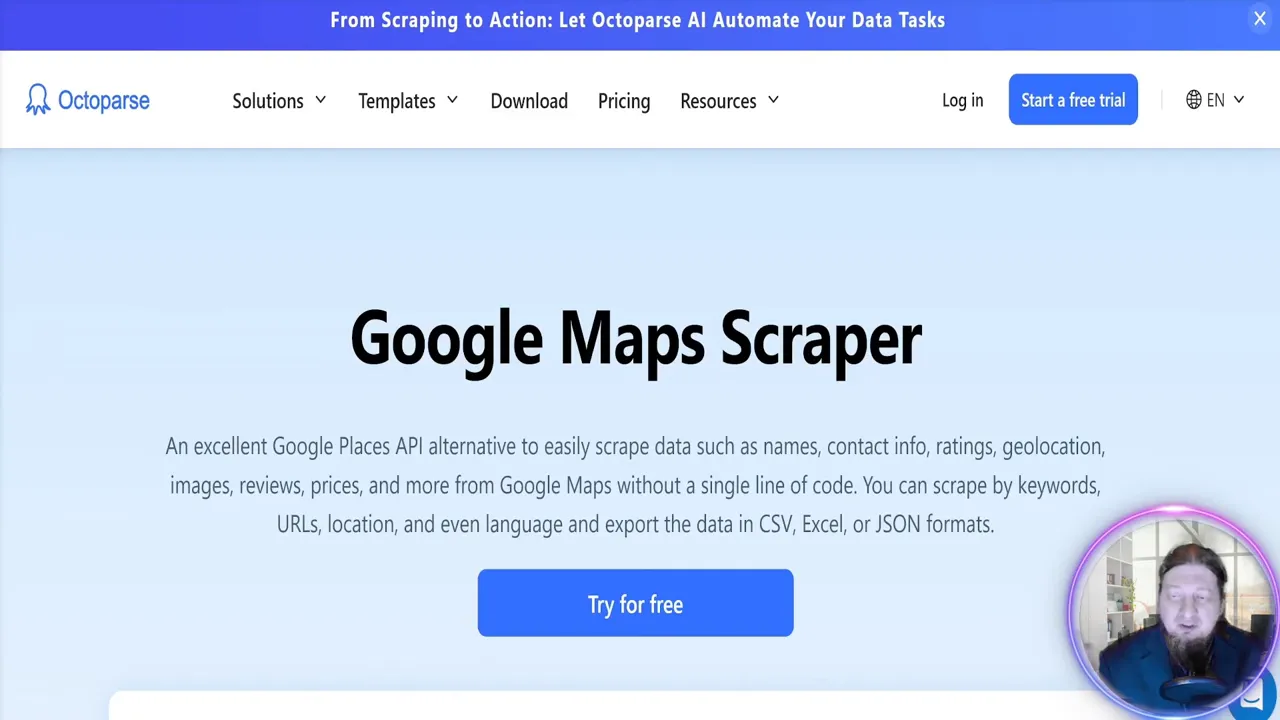
- Octoparse — a mature web scraping platform that integrates with Google Maps and other sources. It’s feature-rich and has a free tier, but advanced capabilities live behind a $99/month premium plan.
- Leads Sniper — a purpose-built Google Maps scraper focused on speed, simplicity, and volume. It offers either a free trial or a one-time lifetime purchase instead of monthly billing, plus built-in exports tailored to outreach workflows.
What I tested (live demo summary)
In the demo I searched for “plumbers” in two different cities and let each scraper run. The goal was simple: how many leads can I get, and how much useful contact info — phone, website, and email — is included in the export?
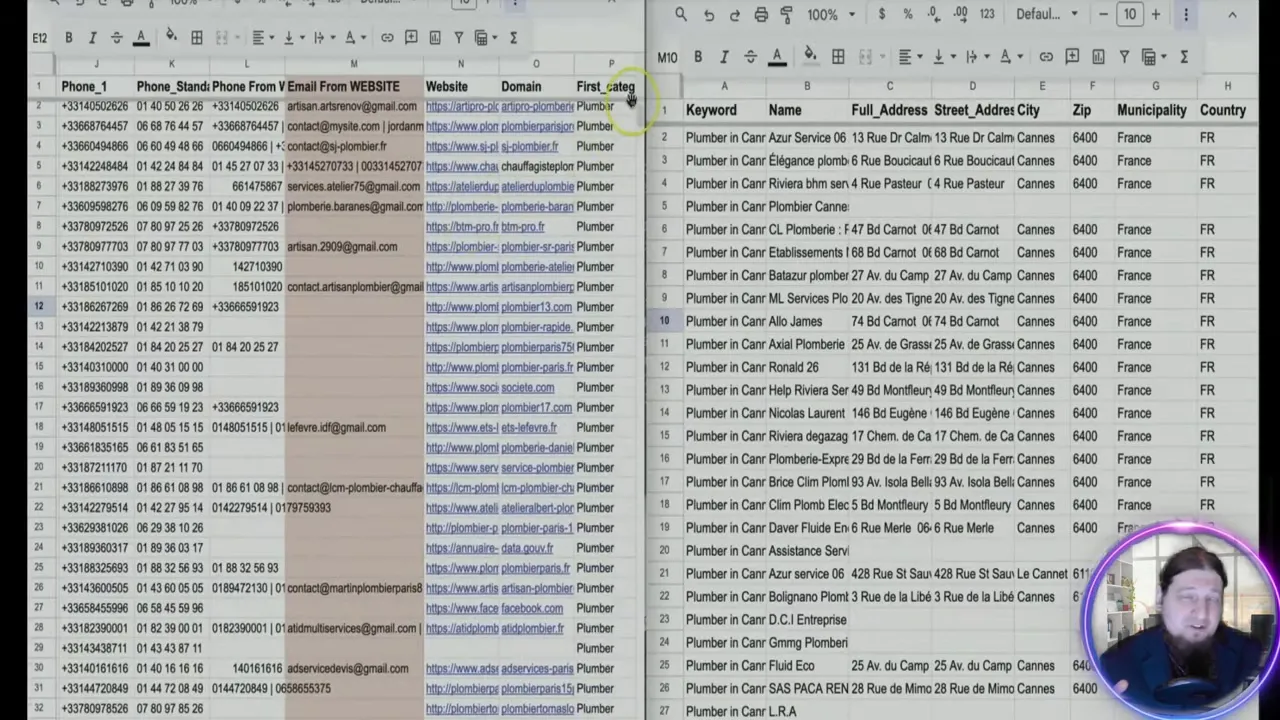
Results were produced in seconds and exported cleanly to Google Sheets. The Leads Sniper demo was especially impressive in how many emails and contact variants it returned.
Octoparse: strengths and limitations
Octoparse is a robust general scraper that supports many sources beyond Google Maps. It provides good control over scraping rules and a reliable platform for more complex projects. That said:
- Octoparse bundles Google Maps scraping into its broader platform — great if you need versatility, less economical if your sole focus is local lead generation.
- Premium feature access requires a $99/month plan, which adds recurring cost to your data scraping stack.
Leads Sniper: why it stood out
Leads Sniper is built specifically for Google Maps data scraping and local lead generation. From my test and daily use, the reasons it stood out are:
- One-time payment option — pay once and own the tool for life (or start with a free trial).
- Unlimited leads — no throttling tied to subscription tiers.
- Simple, fast exports — CSV, XLSX, and direct Google Sheets export that opens immediately with organized columns (business name, phone, address, domain, and multiple emails).
- Support and scale — 24/7 customer support and publicized metrics such as millions of places and emails indexed, which matter when you need breadth in your data scraping.
During the demo, Leads Sniper returned large lead counts for the same queries and produced extremely detailed Google Sheets exports — more emails per listing than other scrapers I tested.
Curious? Try Leads Sniper yourself and see how quickly a search turns into a workable lead list.
Features that matter for local outreach
When evaluating tools for data scraping from Google Maps, prioritize these capabilities:
- Comprehensive exports (phone, website domain, address, and emails).
- Easy-to-open Google Sheets or CSV/XLSX output for immediate outreach.
- Good customer support and transparent pricing (one-time vs subscription).
- Ability to target by location and keyword quickly (e.g., “plumbers in Paris”).
Leads Sniper checks all these boxes in my experience, and it saves time — the single most valuable resource for any business owner doing lead generation.
How to get started (practical tips)
- Define your niche and location (e.g., “plumbers in [city]”).
- Run small test scrapes to compare lead volume and data quality.
- Verify a handful of leads manually to check email validity before large-scale outreach.
- Export to Google Sheets for easy segmentation, filtering, and outreach sequencing.
If you want a quick test drive, I recommend starting with the Leads Sniper free trial to evaluate its data scraping speed and export quality firsthand.
Conclusion — which one should you choose?
If you need a flexible, general-purpose scraper for many different sites, Octoparse is a solid choice. But if your primary goal is fast, reliable Google Maps data scraping for high-volume local outreach, Leads Sniper is the better fit. It’s built for the exact use case of extracting local business leads, offers a lifetime purchase option, and delivers exports that plug straight into your outreach workflow.
For those ready to skip monthly fees and scale outreach: give Leads Sniper a try — the speed, simplicity, and detailed outputs make it my top recommendation for local lead generation.


