
I’m Review Insider, and in this post I break down a quick, hands-on comparison between two popular web scraping tools: Octoparse and Leads Sniper. If you’re looking for a Google Maps-focused solution for lead generation, SEO research, or local market analysis, this article walks through what each tool offers, the pricing trade-offs, and a live demo-style outcome so you can pick the right scraper for your needs.
Why web scraping matters for local leads
Web scraping is an essential tactic for anyone doing local lead generation, competitive research, or outreach. Extracting structured business data—names, emails, phone numbers, addresses, and reviews—lets you build targeted lists for sales, SEO, and market analysis. But not all scrapers are created equal, and the choice often comes down to focus, pricing, and ease of use.
Quick comparison at a glance
- Octoparse: Robust general-purpose web scraping platform with AI assistants and powerful workflow automation; aimed at users who want to build custom scrapers without code.
- Leads Sniper: Google Maps-focused scraper designed specifically for pulling business contact data quickly and affordably; marketed as a plug-and-play solution for local lead gen.
Octoparse — what it does well
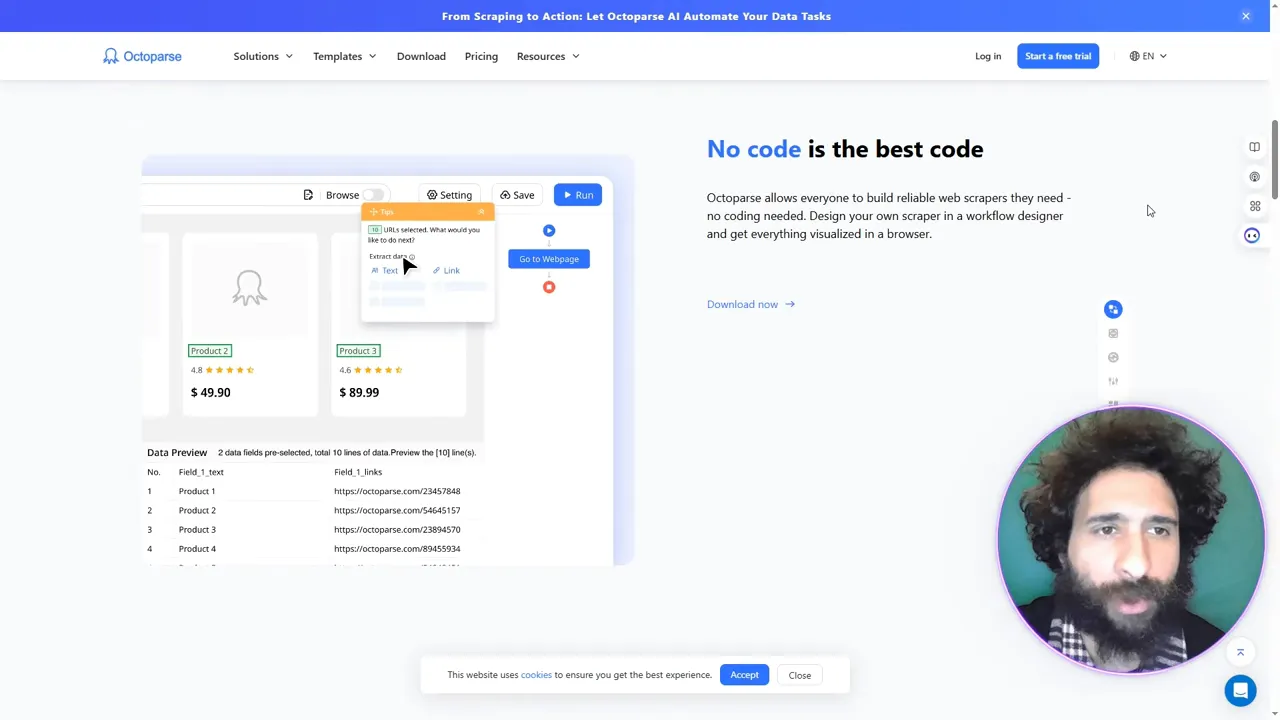
Octoparse positions itself as a no-code, AI-assisted web scraping platform. Highlights include:
- AI web scraping assistant and workflow automation for building custom scrapers.
- Templates for common sources like LinkedIn and Google, plus flexibility to target complex sites.
- Enterprise adoption (you’ll see big-name logos in their marketing), which signals maturity and broad feature coverage.
That said, Octoparse’s pricing model and limits can be a sticking point. The free plan is useful for getting started, but it’s restricted to a small number of tests. Paid tiers can be expensive and may feel limiting if your volume grows fast. For many users who need targeted Google Maps extraction, that friction matters.
Leads Sniper — built for Google Maps scraping
Leads Sniper takes a different approach: it’s focused specifically on Google Maps extraction. That focus brings several advantages:
- Streamlined workflows for searching cities, categories, and pulling business contact details.
- Export options such as CSV and easy Google Sheets integration—ideal for immediate outreach or CRM import.
- One-time purchase options and a free trial that make it attractive for users tired of monthly subscriptions.
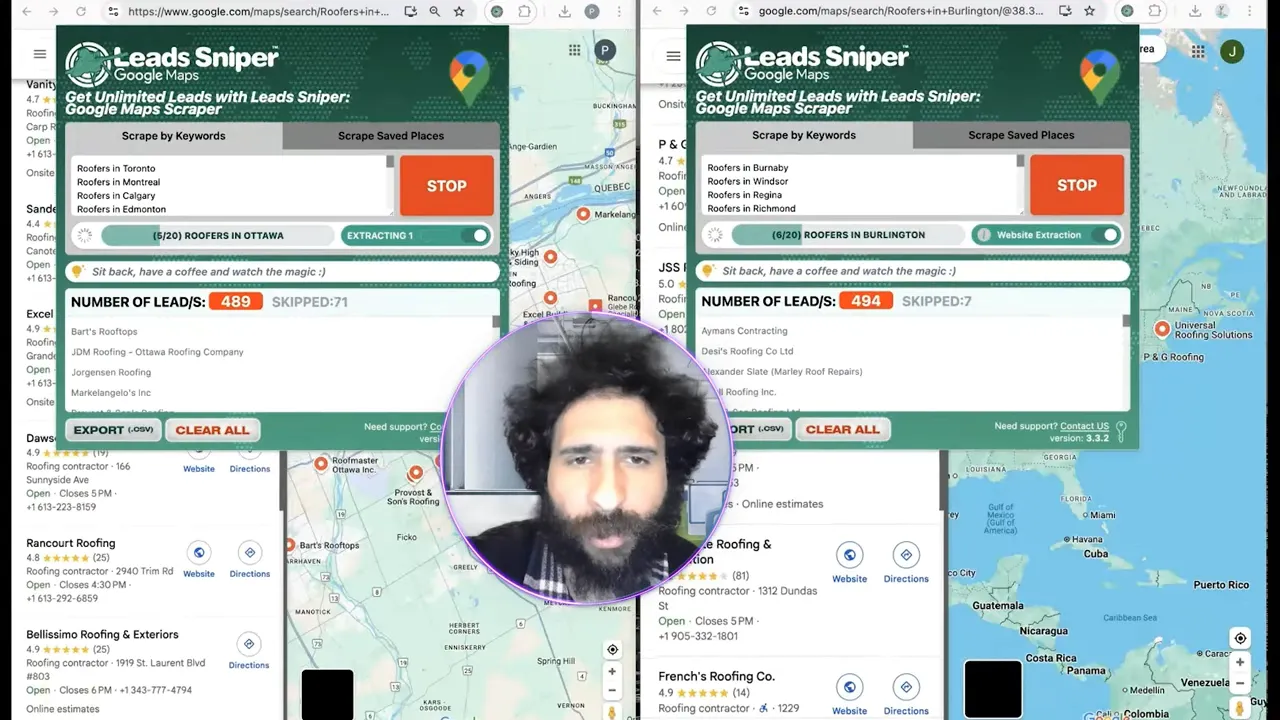
In my hands-on test I searched for roofers across multiple cities (Richmond, Edmonton, Calgary) and watched the tool pull results in real time. The export to CSV included emails and other contact information, and the data was easy to review in Google Sheets. If your primary use-case is local lead generation from Google Maps, the simplicity and pricing of Leads Sniper make it very compelling.
Pricing and value: monthly vs. focused purchase
When choosing a scraper, pricing is often decisive. Here’s how the two compare in practical terms:
- Octoparse: Free tier available but highly limited (about 10 tests). Paid tiers start monthly and jump up in price for higher usage and enterprise features.
- Leads Sniper: Emphasizes affordable options with a free trial and a one-time or low-cost purchase model (an example price point shown during testing was $150). For users focused on Google Maps leads, this can be more cost-effective than a recurring subscription.
If you’re scraping at scale across many sites and need flexible automation, Octoparse may justify its pricing. If you only need Google Maps leads and want a quick, affordable solution, Leads Sniper is the better value.
Live-demo takeaways: speed and usability
During the test run I searched multiple cities and categories, let the scraper run, and exported the results to CSV. The key outcomes were:
- Leads were found quickly for each city and category searched.
- The exported CSV opened cleanly in Google Sheets with emails and contact details present.
- Overall, the process felt plug-and-play—no complicated configuration required for Maps extraction.
That real-world ease-of-use is why I’m leaning toward Leads Sniper as the winner for Google Maps-focused web scraping tasks.
When to choose each tool
- Choose Octoparse if you need multi-site scraping, advanced workflow automation, and enterprise integrations across a wide range of sources.
- Choose Leads Sniper if your primary need is Google Maps lead extraction, you want fast results, and you prefer a cost-effective, focused tool for local lead gen.
Want to try the tool I recommend? Check out Leads Sniper early on in your evaluation process to see if it fits your Google Maps scraping needs.
Final verdict
Both tools have strengths, but for straight-up Google Maps scraping in 2025, I’m picking Leads Sniper. Its focused feature set, easy exports, and pricing model make it the better choice for scraping local business leads quickly. Octoparse remains a strong generalist for more complex scraping projects, however if you want immediate, affordable results for local lead generation, go with Leads Sniper.
If you’re ready to test it yourself, try Leads Sniper and run a few city/category queries to see how it handles your niche. You’ll know quickly whether it’s the right scraper for your workflow.
Happy scraping—and may your next outreach list be full of high-quality leads.


